A boardroom is ready for its next meeting when visible signs of use have been cleared, shared surfaces cleaned, equipment handled safely and supplies returned to their proper places. A corporate boardroom preparation cleaning protocol should set out these checks, with a routine daily clean and additional resets between bookings when the room’s use or condition calls for them.
A polished table matters, but readiness also depends on tidy storage, clean touchpoints and functioning meeting equipment. This guide covers what to include in a practical checklist, how to handle screens and cables, what to remove or organise after a meeting, and how to make a final readiness check. The result is a clear, repeatable process for preparing the space for its next users.
Key Takeaways
- Build a room-specific checklist that covers tables, chairs and frequently touched points, with cleaning tasks suited to each surface.
- Keep screens and other meeting equipment safe by following approved cleaning methods and keeping moisture away from electrical items.
- Adjust cleaning frequency to room use, visible condition and booking needs, then confirm the space is ready before its next meeting.
- Clear used items, return equipment to its designated storage and replenish the supplies needed for the next session.
What should be included in a conference room cleaning checklist?
A practical room-cleaning checklist covers visible surfaces, shared touchpoints, floors and visitor-facing details. A corporate boardroom preparation cleaning protocol should also record room-specific tasks, such as cleaning glass dividers or checking for table marks, to ensure each reset is consistent.
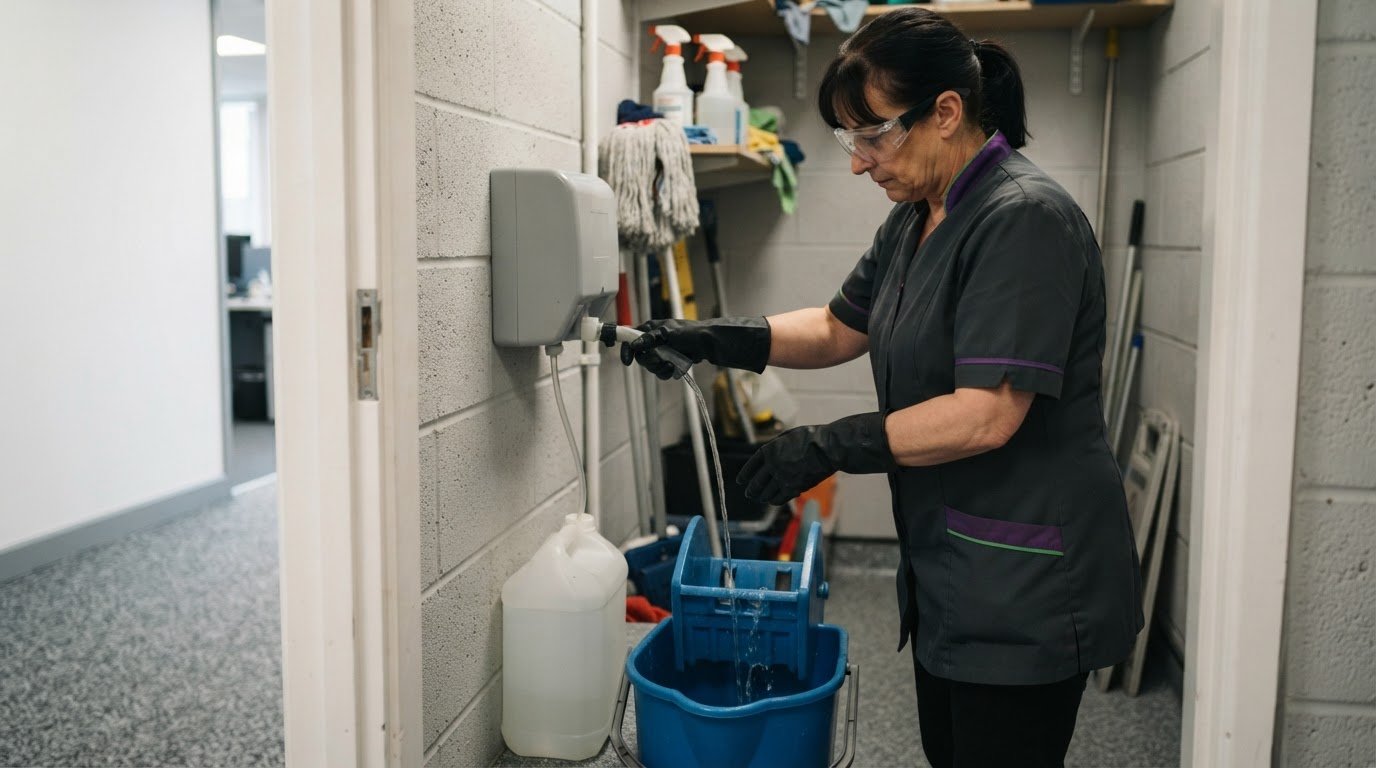
For UK commercial office cleaning, employers must plan, manage and monitor hazardous substances used at work, according to UK Government. UK COSHH guidance provides information about safe handling and use of cleaning products. Product instructions and room materials should guide each cleaning step.
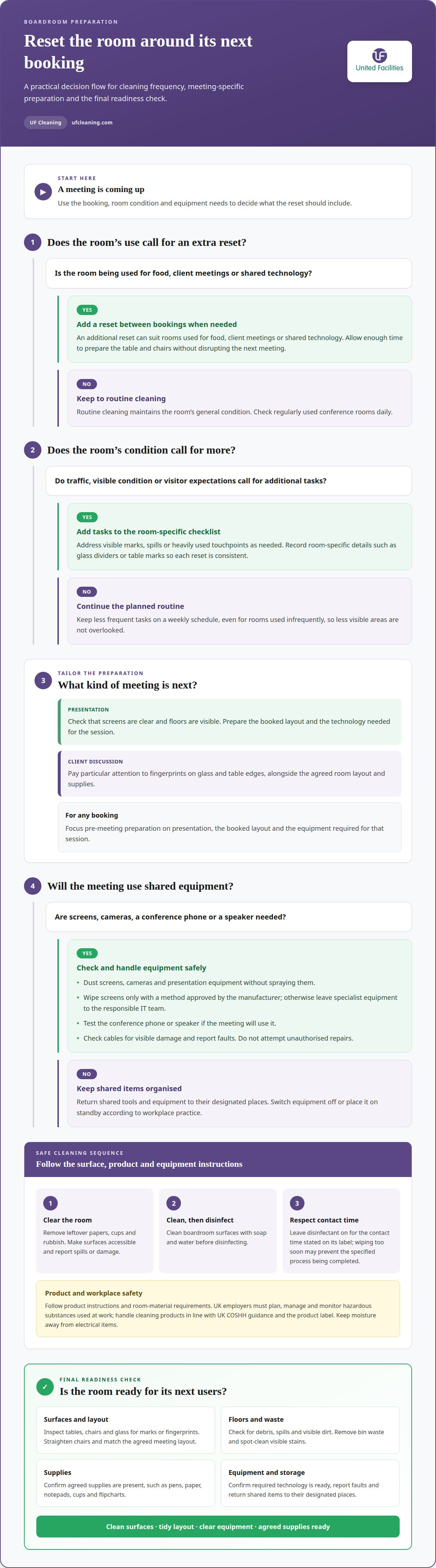
Clean boardroom surfaces with soap and water before disinfecting, following the Centers for Disease Control and Prevention’s guidance. Leave disinfectant on the surface for the contact time stated on its label; wiping it away too soon may prevent the specified process from being completed. Include this sequence in the corporate boardroom preparation cleaning protocol.
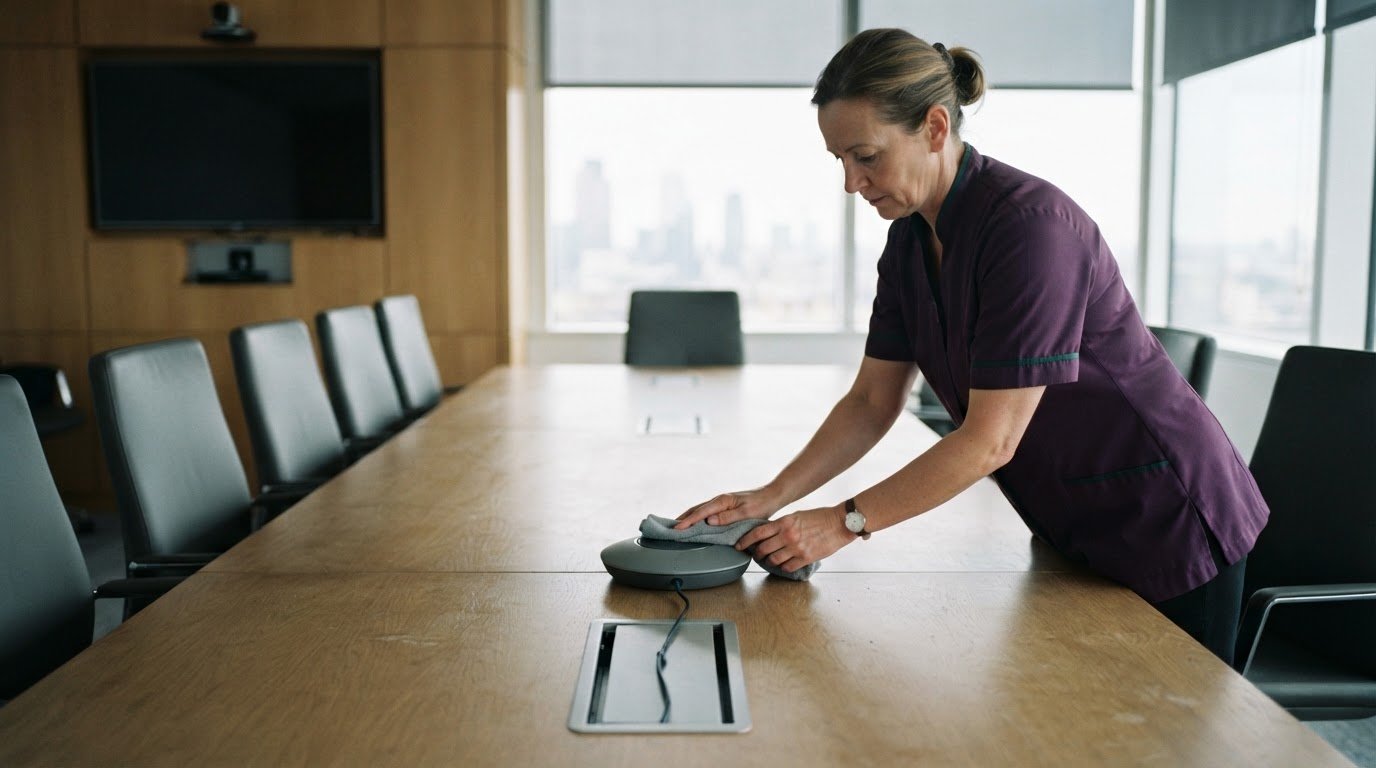
- Wipe tables, chair arms and shared work surfaces. These areas collect fingerprints and are handled throughout meetings.
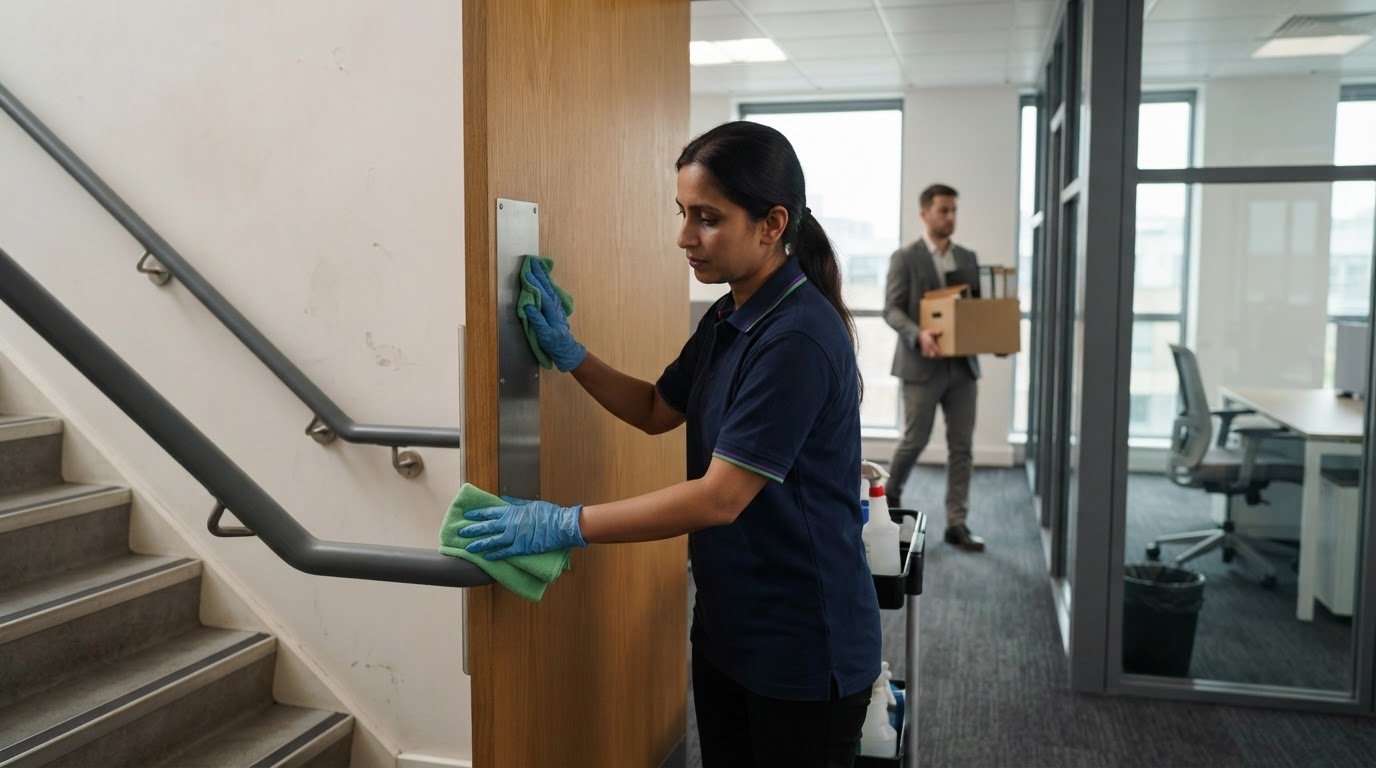
- Clean handles, light switches, remote controls and conference phones. Employees and visitors touch these points repeatedly.
- Address visible marks on glass dividers and windows. Clear glass supports a tidy, welcoming impression.
- Remove dirt and stains from floors and upholstery. Spot-cleaning keeps visible spills from carrying into the next booking.
Which boardroom surfaces and equipment need disinfecting? Prioritise table surfaces, handles, switches, remote controls and other shared touchpoints. Clean devices only with a method approved for that equipment.
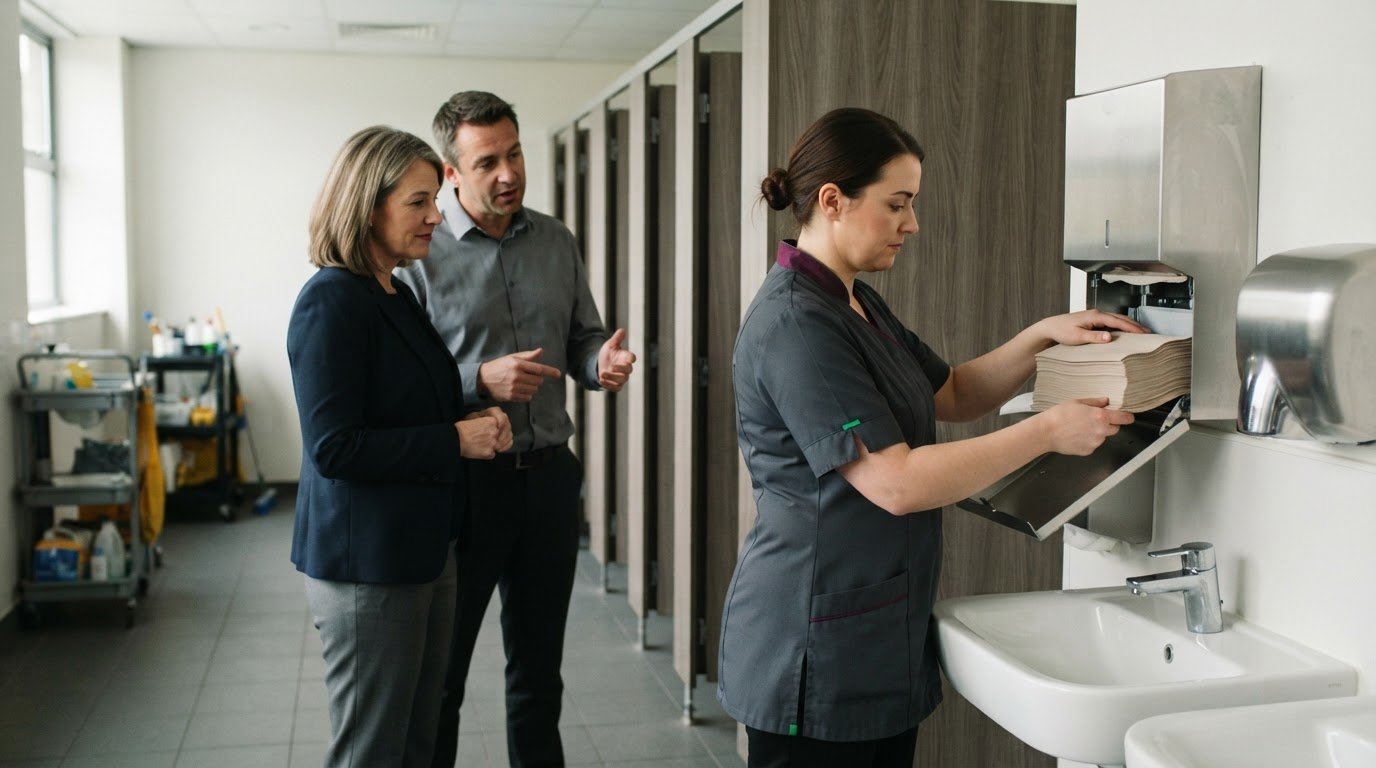
What steps should staff follow before cleaning a boardroom? Clear leftover papers, cups and rubbish, then make surfaces accessible and report spills or damage. Agree who will collect catering equipment before cleaning begins.
What UK health and safety rules apply to commercial office cleaning? Employers must plan, manage and monitor hazardous substances used at work, according to the UK Government. Handle and use cleaning products in line with UK COSHH guidance and the product label.
Finish with visitor-ready details: straighten chairs, remove bin waste and check the agreed room supplies. A clean table, tidy layout and clear glass help present the room without adding unnecessary items.
How should teams handle screens, cables and meeting equipment?
A room-specific checklist connects cleaning tasks to bookings, equipment and the expected layout. Record who resets the space, which items need attention and how faults should be reported. This makes preparation repeatable and helps flag missing supplies before visitors arrive.
Schedule resets around the meeting calendar. Routine cleaning maintains the room, while an additional reset between bookings can suit rooms used for food, client meetings or shared technology. Allow enough time to prepare tables and chairs without disrupting the next meeting.
How does pre-meeting cleaning differ from routine boardroom cleaning? Routine cleaning maintains the room’s general condition; pre-meeting preparation focuses on the booked layout, presentation and equipment needed for that session. Before an important meeting, the final check should also confirm that agreed supplies and technology are ready.
- Dry-dust the table before using suitable furniture polish. This removes loose dust before polishing.
- Align chairs with the table and meeting layout. Consistent spacing gives attendees clear places to sit.
- Clean glass surfaces using a suitable method. Streak-free dividers keep the space looking prepared.
- Dust screens, cameras and presentation equipment without spraying them. Direct moisture can affect electrical items.
- Wipe screens only with an approved method permitted by manufacturer instructions. Otherwise, leave specialist equipment to the responsible IT team.
- Switch equipment off or place it on standby according to workplace practice. This keeps the reset aligned with the office’s agreed workflow.
- Check cables for visible damage and report faults. Don’t attempt unauthorised repairs; refer damaged equipment to the responsible team.
- Test the conference phone or speaker if the meeting will use it. A simple function check can reveal a problem before attendees arrive.
- Return shared tools and equipment to their designated places. Organised storage makes them easier to locate for the next booking.
How should a boardroom be cleaned before an important meeting? Prepare the table, chair layout, glass and agreed supplies, then test the required audio equipment. Keep cleaning products away from screens, keyboards, remotes and phones.
What should a final room-readiness check cover?
Base the final check on the next conference booking, not a generic room template. For presentations, check that screens are clear and floors are visible; for client discussions, pay particular attention to fingerprints on glass and table edges. The cleaning plan should reflect the room’s layout, surfaces, equipment and booking pattern.
Check regularly used conference rooms daily, then add tasks when traffic, visible condition or visitor expectations call for them. Keep less frequent tasks on a weekly schedule, even for rooms used infrequently, so less visible areas are not overlooked.
- Inspect tables, chairs and glass for marks or fingerprints. A final visual scan catches traces left after routine room cleaning.
- Check floors for debris, spills and visible dirt. Clean, dry flooring helps the room feel ready for the next booking.
- Empty bins and confirm agreed supplies are present. Pens, paper, notepads, cups and flipcharts should be ready for use.
- Review shared equipment for cleanliness and obvious damage. Report faults rather than leaving them for the next conference.
- Clean door handles, light switches and other touchpoints weekly. These areas are easy to miss during broader room checks.
- Include window glass, frames and sills in weekly cleaning. Dust and marks can remain visible around otherwise clean glass.
- Dust ceiling fans, light fittings, artwork and shelves weekly. These higher or less frequently handled surfaces collect dust between deeper cleans.
- Attend to skirting boards, chair legs, vents and areas beneath tables weekly. These details help keep the full room, not only its centre, presentable.
- Switch off lights and return window coverings to their previous positions. This leaves the space orderly and consistent with its usual setup.
Keep common tasks on the main checklist, then add room-specific checks for each layout. A boardroom with glass walls, a presentation system or particular supply needs can have tailored items without making the routine complicated. Record exceptions, such as a stain or equipment fault, so the responsible team can address them before the next meeting.
Removing clutter and organising storage
Reset meeting rooms by clearing used items before cleaning begins. Remove discarded papers, cups, food and other debris, then return reusable equipment to its designated storage. This clears tables and helps cleaners reach surfaces without disturbing electronic equipment or meeting materials.
How can cleaners protect confidential papers and sensitive meeting materials? Leave documents in place and do not read, sort or move them. If papers prevent access to a surface, notify the meeting organiser so they can secure them appropriately.
- Remove rubbish from bins and replace liners where needed. An empty bin helps keep the meeting space orderly.
- Collect used dishes and leftover food promptly. Food waste can cause unwanted odours and attract pests.
- Remove catering equipment and used linen. Agree responsibility for collection before cleaning begins.
- Erase whiteboards and flipcharts after the meeting. Clear boards leave space for the next discussion.
- Return pens, cables and presentation tools to their storage points. A consistent place makes shared items easier to find.
- Keep walkways clear of bags, boxes and loose cables. These items can obstruct movement around chairs and tables.
Use the checklist to distinguish rubbish from items that should remain. A folder beside a screen, for example, may contain confidential papers rather than waste. Cleaners should leave it untouched and report access issues, instead of placing documents in a drawer or moving them across the room.
After clearing the table, check the spaces around chairs, switches and windows. Pick up loose wrappers and cups, and return reusable items to their assigned locations. This helps prevent clutter being swept beneath furniture or left beside electronic equipment.
For a complete reset, coordinate surface cleaning with any scheduled carpet or window work. Arrange carpet and window cleaning to address marks on flooring or glass alongside the room’s regular upkeep.
UF Cleaning
UF Cleaning helps organisations put a consistent boardroom cleaning routine into practice. Its office cleaning and housekeeping services support shared workplace spaces, while hard-floor cleaning addresses floor care as part of the wider environment. These services can integrate boardroom resets with regular office cleaning, rather than treating them as occasional standalone tasks.
A clear room checklist guides priorities such as surface care, waste removal and presentation before meetings. The right approach depends on the room’s use, layout and condition, with equipment handled according to agreed workplace procedures.
For support with keeping boardrooms and surrounding office areas prepared, contact UF Cleaning.
Make the protocol part of your workplace routine
A corporate boardroom preparation cleaning protocol works best when it reflects how the room is used. Treat it as a working document: review it when bookings, layouts or meeting technology change, and assign clear responsibility for each task. This keeps preparation aligned with the workplace instead of relying on assumptions or an outdated routine.
Consider how the boardroom fits into the wider office environment, too. A coordinated approach can help maintain consistent standards across shared spaces and make it easier to plan cleaning around business activity. UF Cleaning offers Office Cleaning London, Housekeeping and Hotel Management, supporting organisations with different premises and operational needs.
When you’re ready to discuss boardroom cleaning support, contact UF Cleaning. A considered plan can make the room easier to manage and help your team prepare with confidence.
Frequently Asked Questions
Do day porters reset meeting rooms during business hours?
Day porters can provide light meeting-room resets during business hours when included in the agreed service plan. Tasks may include collecting cups or straightening chairs between bookings, while scheduled cleaning covers broader duties. Agree responsibilities with the meeting organiser, especially for catering items or confidential materials. This helps avoid missed tasks and clarifies who should report spills or damage.
How do you assign responsibility and record completion?
The meeting leader or primary organiser should take overall responsibility for leaving the room ready. Assign specific tasks to named roles, such as collecting catering items or reporting equipment faults, rather than leaving ownership unclear. Record completion on the room checklist, noting outstanding issues and who needs to address them. This creates a useful handover and gives facilities staff a clear record of exceptions.
How often should conference rooms be cleaned each week?
Include conference rooms in the regular cleaning schedule, even when bookings are infrequent. Add a reset between meetings when room use, catering or visitor expectations make it necessary. A separate weekly schedule can cover less frequent detailed tasks. Review the routine if booking patterns change: a quiet room and one used repeatedly for client sessions have different cleaning needs.
What should a corporate boardroom cleaning checklist include?
Include the room’s layout, surface types, shared equipment and expected supplies, then specify the frequency and owner for each check. For example, a room with a glass divider may need a glass-care task, while one used for presentations may need a step for reporting equipment faults. Set out how to record exceptions, such as a spill or damaged cable, so they reach the responsible person.
What cleaning products are safe for boardroom furniture, screens and conference equipment?
Choose products suited to the furniture material and follow the label, including the stated disinfectant contact time. Clean visibly dirty surfaces before disinfecting. Keep liquids away from electronic equipment, and do not apply products directly to screens, keyboards, remotes or phones. Clean screens using an approved method that follows the manufacturer’s instructions; otherwise, leave specialist equipment to IT staff.
How often should a corporate boardroom be professionally cleaned?
Schedule routine professional cleaning daily, then add resets between bookings when traffic, food, shared technology or visitor expectations call for them. Include infrequently used rooms in the regular schedule, as they still need attention. Periodic deeper cleaning can address carpets, upholstery, floors, windows and vents. The room’s condition and pattern of use should guide those additional tasks.